Products / 08
Family · Private app · Private
Meal Planner
Our family’s meals, groceries and nutrition in one place.
Private app. Screenshots only.

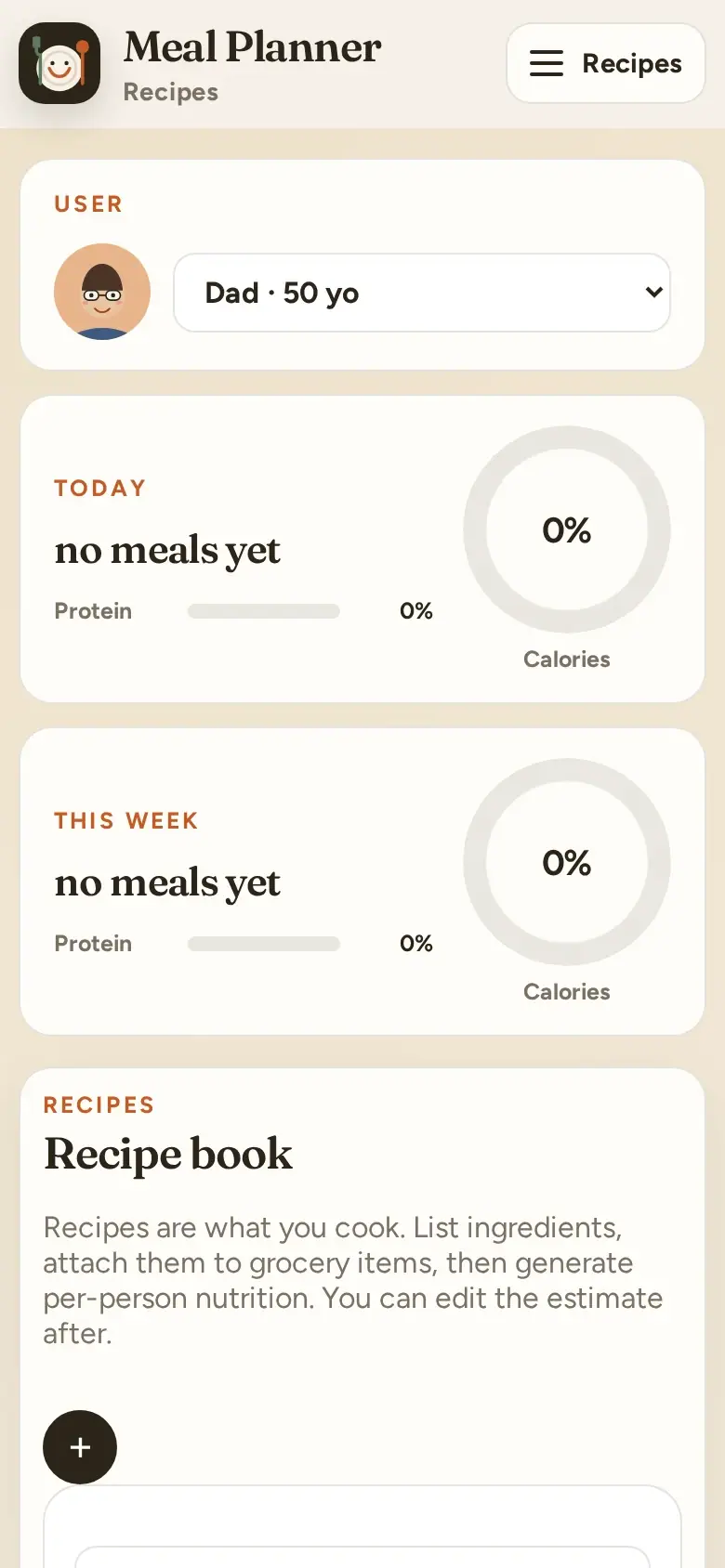
A private family app we built and use at home: a daily food log, a weekly meal schedule, grocery lists, nutrition targets, a recipe library and trends. It is not public, so the screenshots use demo data.
What it does
- Today log and weekly schedule
- Grocery lists generated from the plan
- Nutrition targets and trends
- Recipe library
The problem
Feeding a family means juggling several lists that never agree: what everyone ate today, what is planned for the week, what needs buying, and whether the kids are getting what they need. Each lived in a different app or on the fridge door, and most nutrition apps are built for one person, not a family.
We wanted one place for the whole household, quick enough to use with a plate in one hand.
The process
We built it for our own home and designed it around the moments it gets used: logging a meal at the table, planning the week on a Sunday, and shopping in the store. We started with the phone-first daily log, used it every day, and added each next piece (the week plan, groceries, targets) only once the previous one stuck.
Features
- Today: a food and activity log with three ways to add (photo, search or type), a food library, a budget chart and weight tracking
- A week, month and day schedule, with snacks per family member and votes on what to cook
- A grocery board built from the week plan, so the list follows the menu
- Nutrition targets and preference profiles for each family member, with trends over time
- A recipe library with an admin view for adding and editing recipes
How it is built
A React 19 + Vite + TypeScript app on Firebase. Each log entry is stored in its own Firestore document, so family members can add at the same time without overwriting each other. Firebase AI helps turn a typed or searched description into a food entry, and App Check keeps the back end private to our app.
A demo mode runs the whole app against the Firebase emulators with sample data. That is how the screenshots here were made without showing our family’s real data.